Setup steps
Work through the steps below in order. Once you’ve finished the last one, you’ll be ready to move on to configure uploads in CI.Generating Reports
Trunk detects flaky tests by analyzing test results automatically uploaded from your CI jobs. You can do this by generating Trunk-compatible XML reports from your test runs. To output a compatible report, add the--xunit-output argument to your Swift test command:
--parallel flag — without it, XCTest results are never written to a file.
Report File Path
A single run writes two files, and neither is named exactly what you passed to--xunit-output:
Swift Testing results always land in the
-swift-testing.xml file, so that is the one to upload for a Swift Testing suite. If your package also contains XCTest cases, upload both files.
Try It Locally
The Validate Command
You can validate your test reports using the Trunk Analytics CLI. If you don’t have it installed already, you can install and run thevalidate command like this:
Test Upload
Before modifying your CI jobs to automatically upload test results to Trunk, try uploading a single test run manually. Uploadswift test reports with the --swift-test-xunit-paths argument rather than --junit-paths:
--swift-test-xunit-paths takes a comma-separated list of glob patterns, resolved against your repository root exactly like --junit-paths. One pattern covers both files a run writes, or you can name them individually with "./junit-swift-testing.xml,./junit.xml". A file matched by more than one pattern is uploaded once, so overlapping patterns don’t duplicate tests.
You can also supply the same list through the TRUNK_SWIFT_TEST_XUNIT_PATHS environment variable.
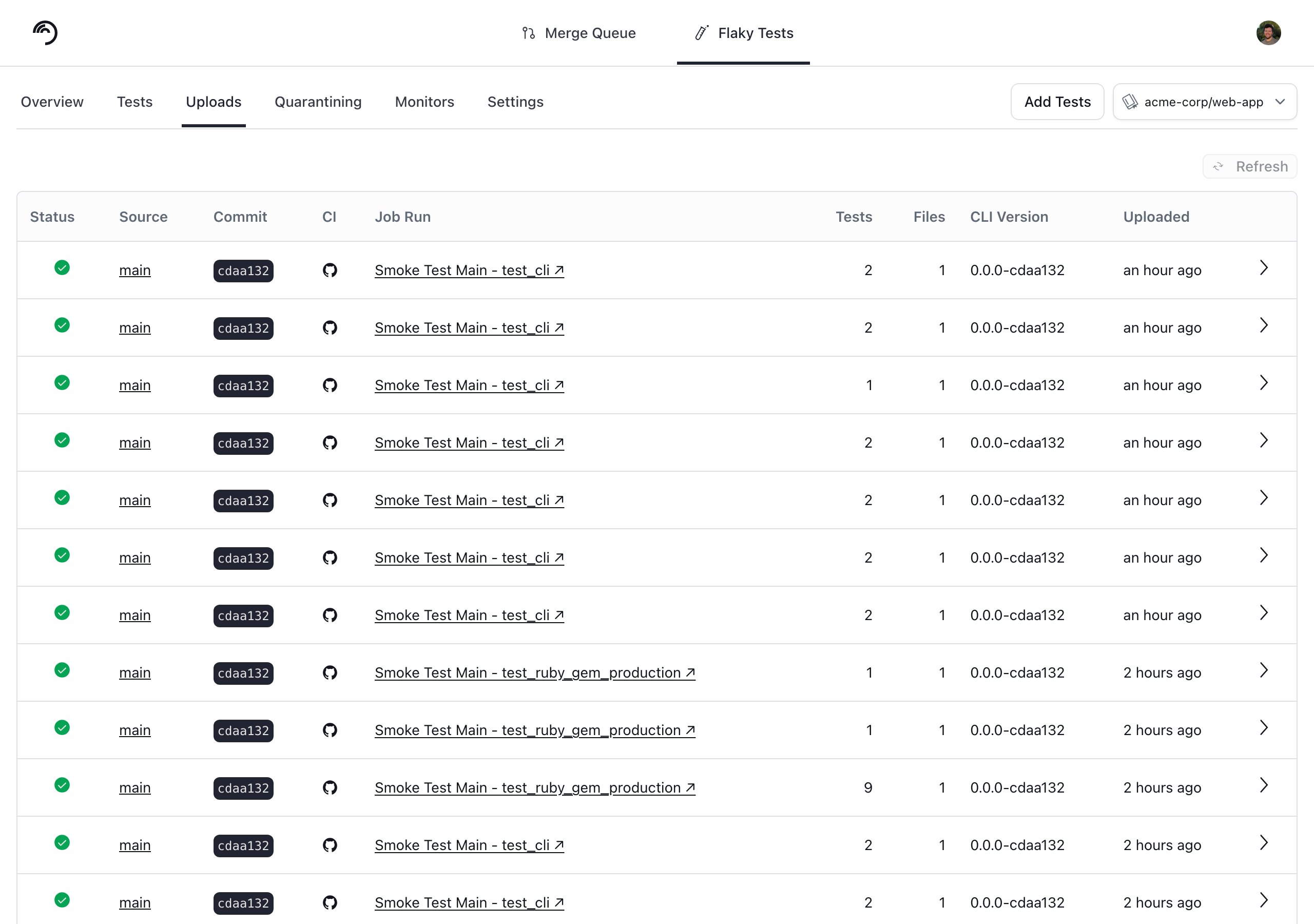
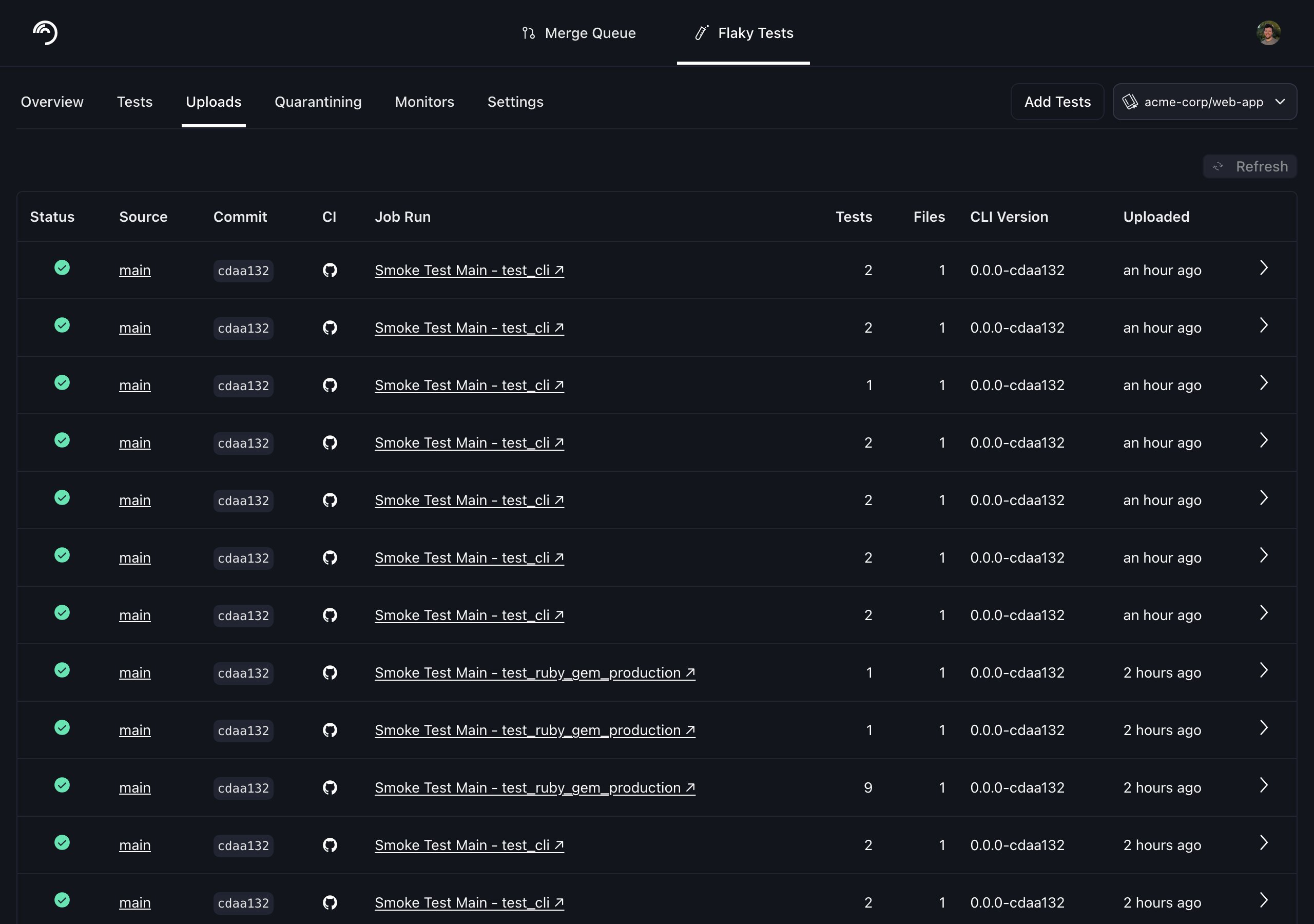
You can find your Trunk organization slug and token in the settings or by following these instructions. The collection ID identifies the test collection the results belong to, and you copy it from that collection in the Trunk app. After your upload, you can verify that Trunk has received and processed it successfully in the Uploads tab. Warnings will be displayed if the report has issues.
Attributing Tests to Their Declaring File
The XML thatswift test --xunit-output writes carries no file path for any test case. Given --swift-test-xunit-paths, Trunk resolves each test to the source file it is declared in by asking a language server for the symbols in your checkout — which is what makes CODEOWNERS attribution and file-level links work. Uploading the same files with --junit-paths skips that step, and the tests arrive with no file attached.
This requires:
sourcekit-lsp. On Linux it ships with the Swift toolchain and is found onPATH; on macOS it is found throughxcrun, so Xcode or the Command Line Tools is enough.- The upload to run inside the checkout the tests were built from. Pass
--repo-rootif you run it from elsewhere. trunk-analytics-cli0.15.5 or newer.
N of M swift test case(s) have no declaration under <repo root> — which is usually a sign that the checkout doesn’t match the reports.
Next Steps
Configure your CI to upload test runs to Trunk. On GitHub Actions,--swift-test-xunit-paths is the swift-test-xunit-paths input on trunk-io/analytics-uploader. Find the guides for your CI framework below:

Azure DevOps Pipelines

BitBucket Pipelines

BuildKite

CircleCI

Drone CI

GitHub Actions

GitLab

Jenkins

Semaphore
TeamCity

Travis CI